Page Share
Share buttons that stick to a corner of your page. Unlike the usual ones, they set no cookies and send no data anywhere. You choose the corner, whether they sit open or behind a button, and which platforms appear.
The problem this solves
Share buttons used to come from services like AddThis and ShareThis. They were free because they were not really share buttons. Each one loaded code from another company onto your page, set cookies on your visitors, and reported back what those visitors were reading. AddThis shut down in 2023.
That model has three costs. It slows your pages, because every visit loads someone else's code. It creates a privacy disclosure you have to make. And it hands data about your audience to a company that is not you.
None of that is necessary. A share button is just a link. When someone clicks the X button, they go to an address that opens X with your headline and page address already filled in. That is all it has ever needed to be.
This does exactly that and nothing else. No cookies, no tracking, no data sent anywhere, and after the first visit no network request at all.
What it looks like
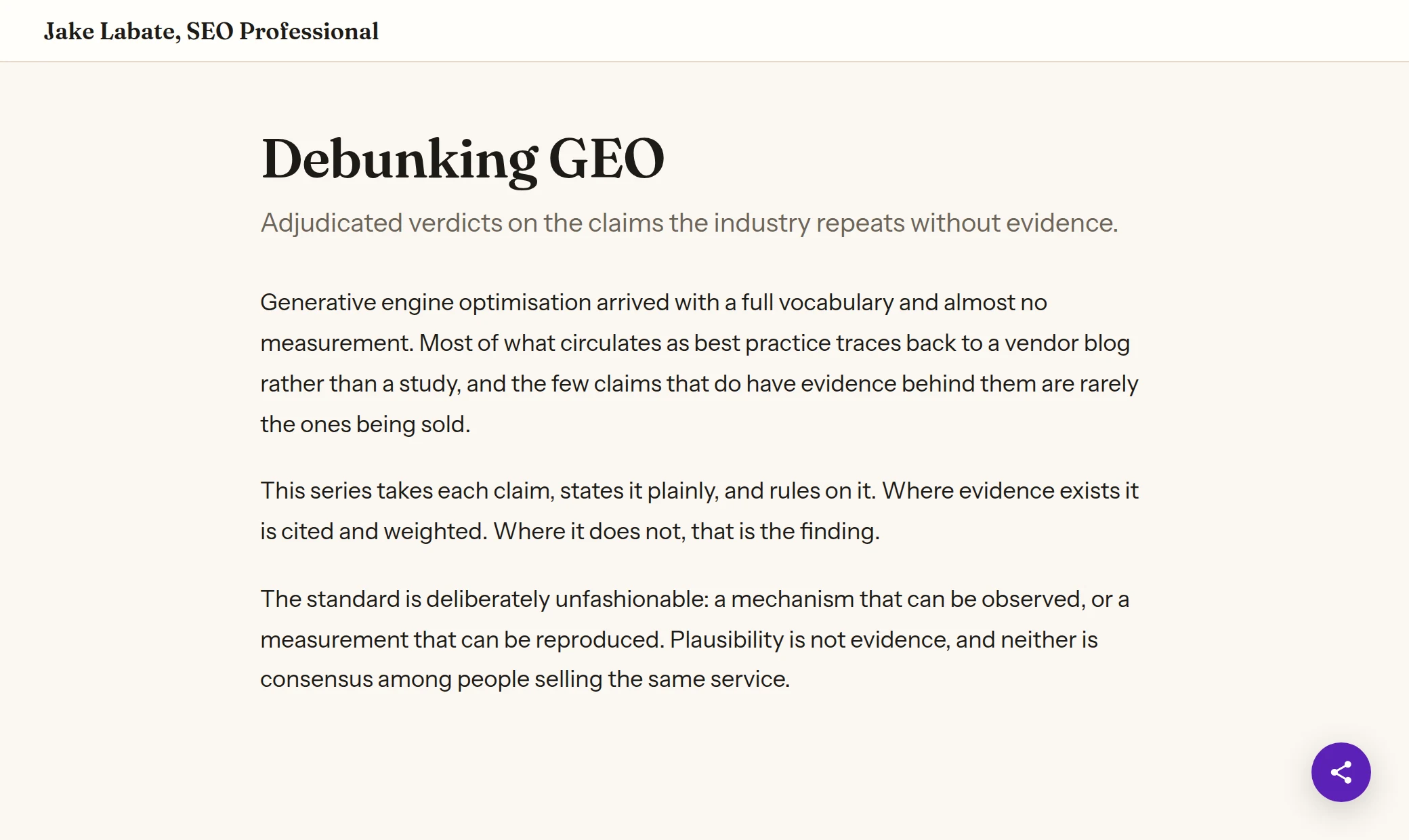
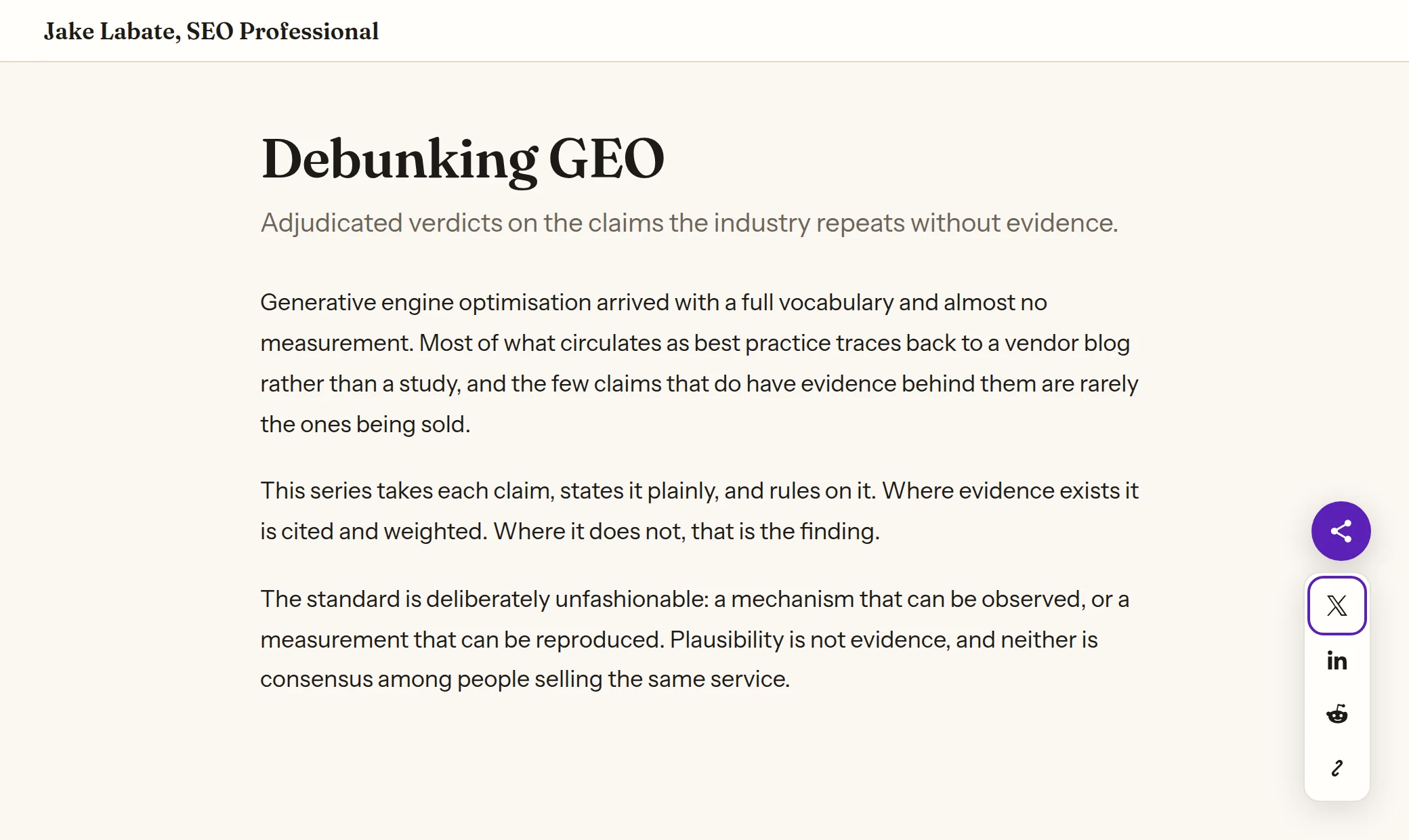
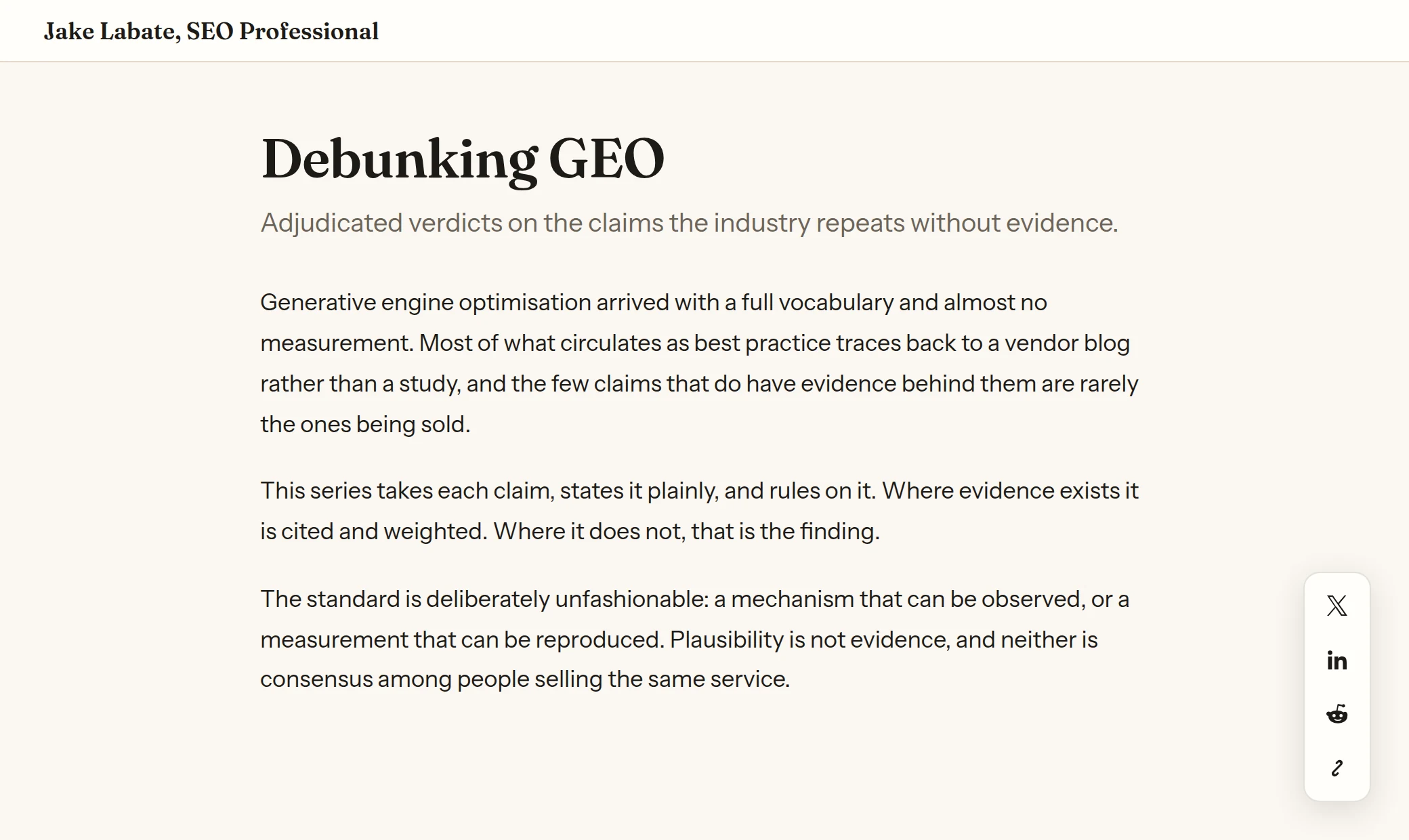
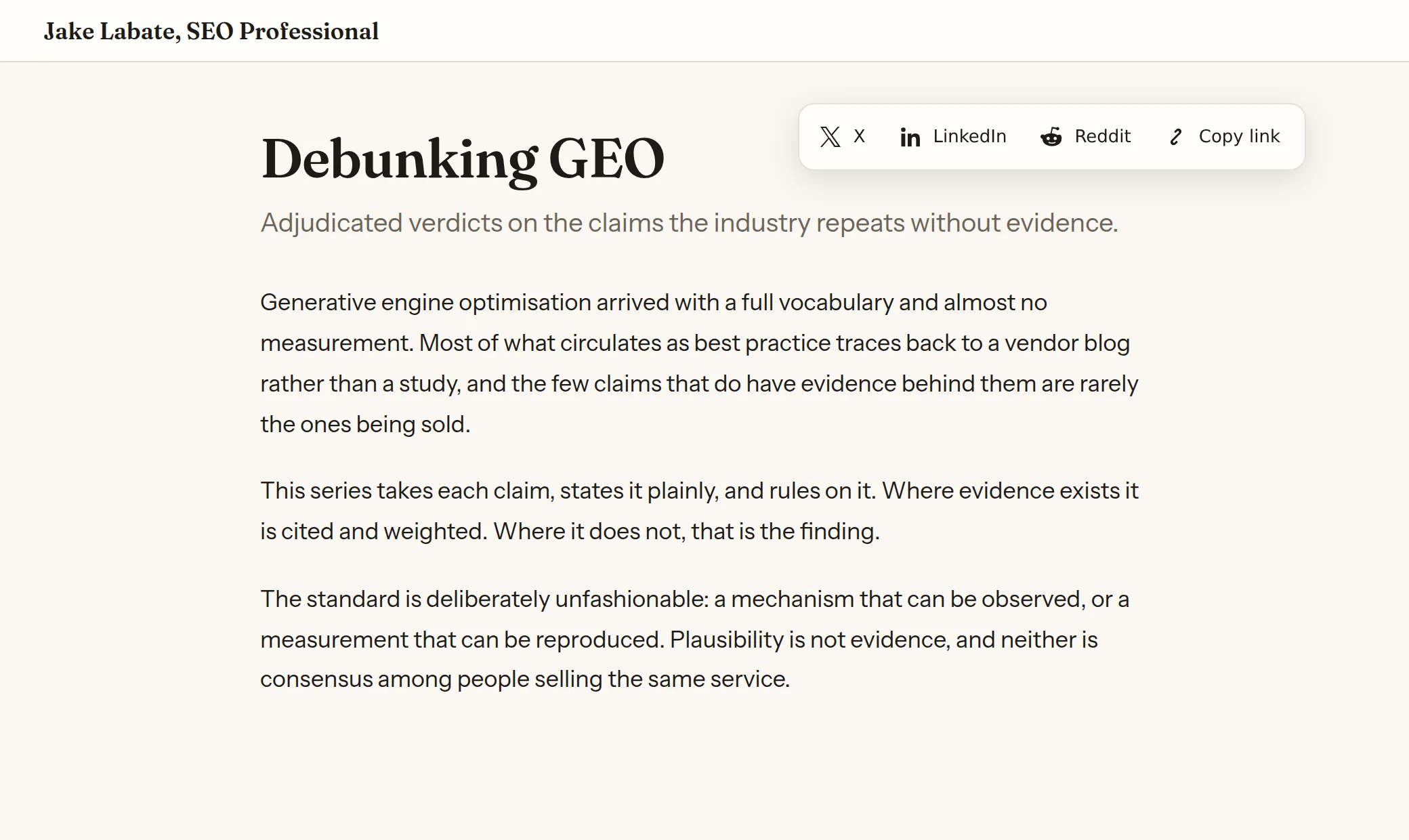
Captured from a page carrying the widget. The colours come from the host page through custom properties, which is why these match this site rather than shipping a look of their own.
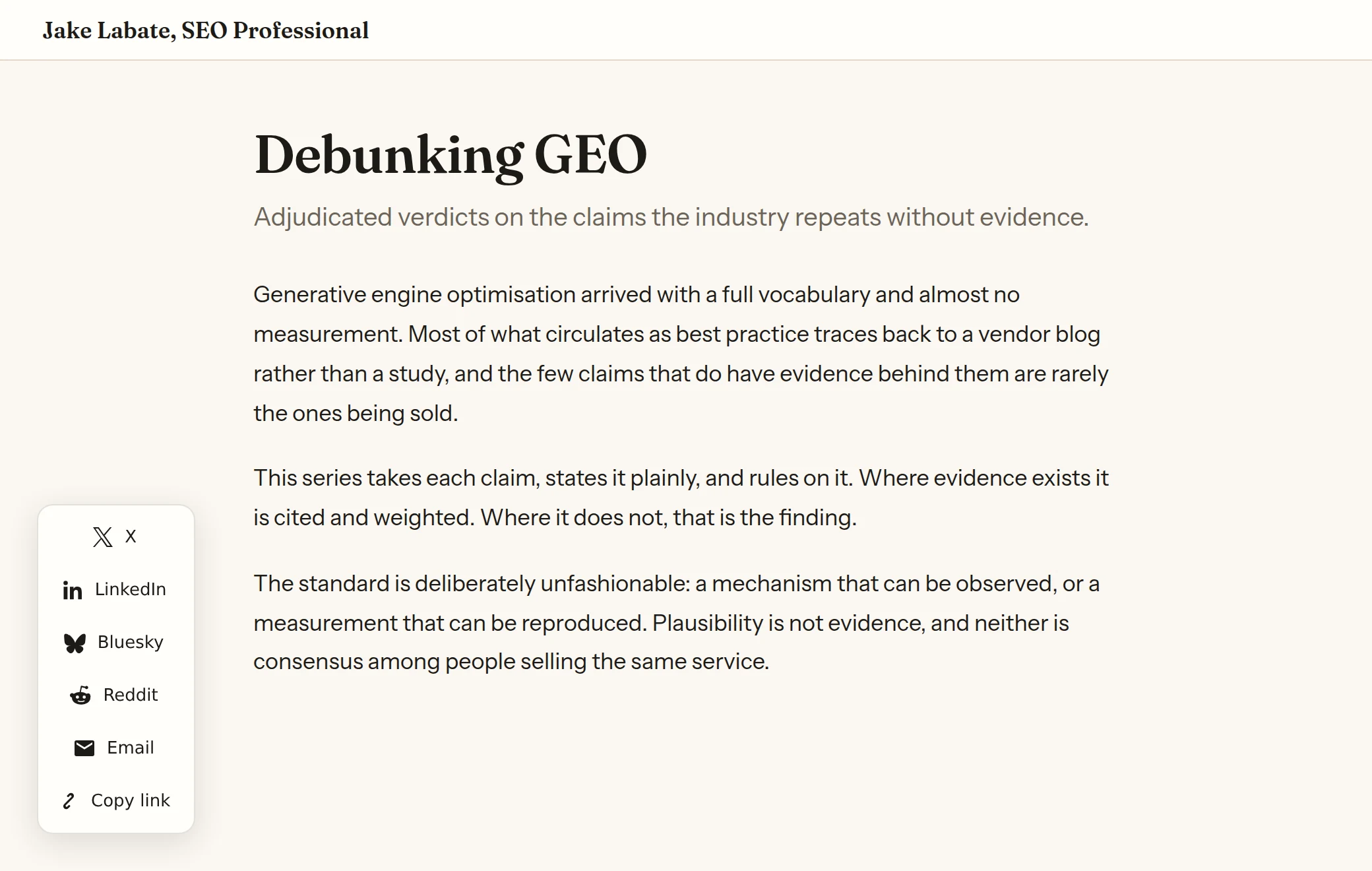
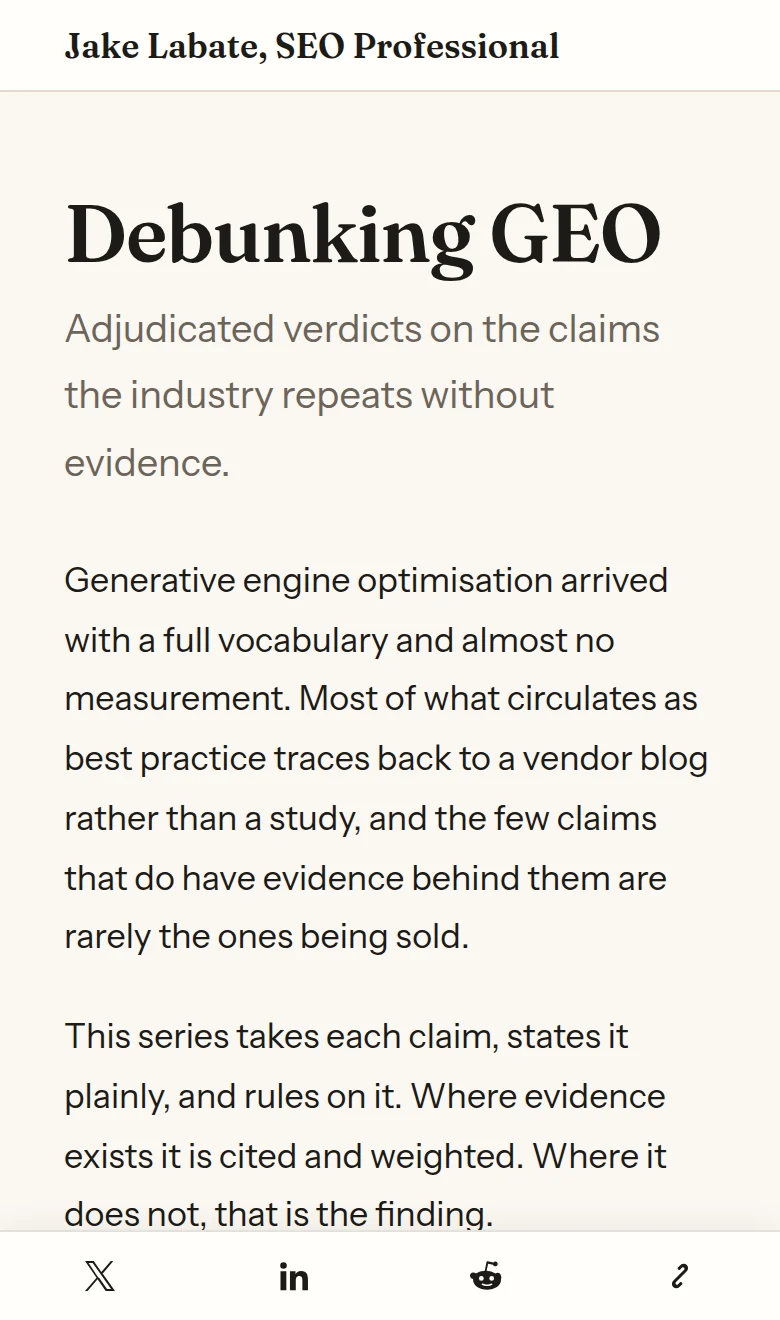
Set it up
One line, pasted just before the closing </body> tag. Most CMSs have a footer scripts field for exactly this. Change the four values to whatever you want, or delete them to accept the defaults.
<script src="https://cdn.jakelabate.com/page-share/v1/share.js"
        data-position="bottom-right"
        data-mode="expandable"
        data-orientation="vertical"
        data-platforms="x,linkedin,reddit,copy"
        defer></script>
Nothing else is required. It works out what to share by reading your page: the address from your canonical tag, and the headline from your Open Graph title, falling back to your h1 and then the page title. You do not have to tell it anything about the page it is on.
If your pages have good Open Graph tags, this is already correct. If they do not, that is worth fixing anyway, and the Open Graph service does it.
Options
| Attribute | Values |
|---|---|
data-position | bottom-right default, bottom-left, top-left, top-right. |
data-mode | expandable default, or expanded to show every control at rest. |
data-orientation | vertical default, or horizontal. |
data-platforms | Comma separated: x, linkedin, facebook, reddit, bluesky, threads, whatsapp, telegram, hackernews, pinterest, email, copy, native. |
data-labels | on to show text beside each icon. |
data-offset | Distance from the edge in pixels, 0 to 400. Default 24. This is how you clear a sticky header. |
data-mobile | bar default, full width along the bottom. Or hide, or inherit to keep the desktop placement. |
data-url, data-title, data-image | Override what gets shared. |
data-label | Accessible name for the trigger. Default is "Share this page". |
You cannot break it with a typo. A misspelled corner, an unrecognised mode, a platform name that does not exist: each is ignored and the default is used instead. The buttons still appear.
What it costs your site
One small file, once. The address contains a version number and the contents of a version never change, so a browser downloads it on the first visit and then reuses its copy. On every visit after that, it makes no network request at all.
Nothing is measured and nothing is sent. When the page loads, the script reads your headline and address out of tags already in the page and builds the share links from them. There is no request to me, no request to X or LinkedIn, and no cookie set. Nothing here needs a consent banner entry.
It also cannot break your design, and your design cannot break it. The buttons live in a sealed container, so your site's styling rules do not reach inside and nothing inside reaches out. Colours are the one deliberate exception, so you can still match your brand.
Why this needs JavaScript when a link would do
Technical reasoning. Skip unless you care why it is built this way.
A row of share buttons that is always visible really is just a list of links, and could be plain markup you paste with no script at all.
Letting it collapse behind a single button changes that. A control that opens and closes owes people who do not use a mouse a real button, a state that screen readers can announce, focus that moves into the panel when it opens, Escape to close it again, and a click outside to dismiss. Doing that properly needs code. Since collapsing is one of the options, the script exists.
What it does not need is to phone home, and it does not.
Things worth knowing about the platforms
- Facebook and LinkedIn ignore any headline you send them. Both go and read your page's Open Graph tags instead, so this does not bother sending text it knows will be thrown away. The practical consequence: if your share preview looks wrong on LinkedIn, no share button can fix it. Fix the tags on the page.
- X moved address. The old
twitter.comone still forwards, but a forward is an extra step for every person who clicks, so this points at the current one. - The phone share option hides itself when it cannot work. If you include
native, which opens the phone's own share menu, it appears only on browsers that have one. A button that does nothing is worse than no button. - Copy link works everywhere, including on sites not yet served over HTTPS, where it falls back to an older method automatically.
If you would rather build your own buttons
You do not have to use the widget. Ask for the share addresses as data and style your own buttons however you like.
curl -s "https://cdn.jakelabate.com/page-share/v1/links?url=https://example.com/post&title=Hello&platforms=x,linkedin"Source
MIT licensed and self-hostable. The widget and the worker that serves it are both small enough to read in one sitting.