
OpenCDN
Three free services on one host, each added to a page with one line. Context Cards shows a definition when a reader hovers a technical term, Open Graph draws the share image for a page, and Page Share adds share buttons that send nothing anywhere. All three are open source, need no sign-in, and store nothing.
What It Is
OpenCDN is cdn.jakelabate.com: one host that serves three small services for a web page. Each one does one job and is added with one line. Take one, or all three.
Context CardsLive
Hover definitions for the terms in a page's DefinedTermSet.
Open GraphLive
A 1200 by 630 share image and its meta tags, from one URL.
Page ShareLive
A floating share button that builds each platform's link.
Every service on it keeps the same five promises:
- Free. There is no paid plan to grow into.
- No sign-in. There is no account to create and no key to manage.
- Nothing stored. Nothing about your pages or your readers is kept, and none of your page text is sent anywhere.
- A version in every address. The contents of a version never change, so nothing on your site shifts because I released something.
- Open source. MIT licensed, and small enough to read in one sitting or host yourself.
All three, as they would sit in one page:
<head>
  <meta property="og:image"
        content="https://cdn.jakelabate.com/open-graph/v1/og.png?title=Your%20headline" />
</head>
<body>
  <script src="https://cdn.jakelabate.com/context-cards/v0.10.0/dist/ctx.min.js"
          integrity="sha384-…" crossorigin="anonymous" defer></script>
  <script src="https://cdn.jakelabate.com/page-share/v1/share.js" defer></script>
</body>
The Problem It Solves
Small additions to a page usually arrive as someone else's script. When you add one, you are trusting whatever that address serves, today and every day after.
That model has three costs:
- It slows your pages, because every visit loads someone else's code.
- It creates a privacy disclosure you have to make, because the script reports back on your visitors.
- It can change without warning, and when it does your pages change too.
None of that is necessary for a definition, a share image or a share link. Each service here does its one job in the page or at the edge, from an address whose contents never change, and sends nothing back.
Context Cards
Shows a small definition card when a reader hovers a technical term in your writing. The definitions come from structured data already on your page, so nothing extra has to be written.
Technical writing has a reader problem. Use a term like canonical or crawl budget and you lose anyone who does not know it. Stop and define it and you bore everyone who does. This puts the definition one hover away: readers who need it get it, and readers who do not are never interrupted.
Many sites already publish a glossary as structured data, using a schema.org type called DefinedTermSet. It was written for search engines. The script reads the same block a second time, for your readers, and none of your page text is sent anywhere. The method behind it: Controlled Vocabulary.
Try it here. This section runs the script it describes. Hover one of these five terms on a computer, or tap it on a phone, and its definition appears.
- DefinedTermSet, the schema.org type the script reads.
- subresource integrity, the hash that pins the bytes.
- immutable, the caching guarantee a tagged path makes.
- edge cache, where a tagged response lives after the first request.
- CORS, the header that decides who may read the response.
Install. One script tag, pasted just before the closing </body> tag.
<script
  src="https://cdn.jakelabate.com/context-cards/v0.10.0/dist/ctx.min.js"
  integrity="sha384-…"
  crossorigin="anonymous"
  defer></script>
Build Your Tag
Term packs, a card style and a live preview
One line, pasted just before the closing </body> tag in your page. Most CMSs have a footer scripts field for exactly this.
<script src="https://cdn.jakelabate.com/context-cards/v0.10.0/dist/ctx.min.js"
        integrity="sha384-Ka780lxfLgvBnuNJcx9SdciwmPhhbd7GlxaRwwXwprXD2CgWQSXRZ8qVQeDojvR2"
        crossorigin="anonymous"
        data-packs="seo-core"
        data-style="paper"
defer></script></body>The integrity line is a safety catch worth understanding. It is a fingerprint of the exact file you expect. If what arrives does not match it, the browser refuses to run it rather than running something you did not approve. Since the contents of a version never change, the fingerprint never changes either. Copy the current value from dist/ctx.min.js.sri in the repository.
How It Works
From a pinned request to a card, in five stages
One pinned script tag. One Worker in front of a tagged repository. The loop below plays the first visit to a page, then the reader hovering a term, then starts again.
- Pinned requestThe tag names a version. The Worker checks the ref is a tag and the path is inside dist/, packs/ or sites/.
- Fetch onceA miss fetches that tag from GitHub and stores it at the edge for a year. Every request after is a hit.
- VerifyThe browser compares the integrity fingerprint to the bytes that arrived, and refuses to run a mismatch.
- Read the pageThe script reads the DefinedTermSet already in the document and scans the prose, all in the browser.
- Show the cardHover or tap a term and its definition appears. No page text leaves the page.
The Addresses And Upgrading
Three kinds of file, all pinned to a version
When you add someone else's script to your site, you are trusting whatever that address serves, today and every day after. If it changes without warning, your pages change too. The delivery here is built so that cannot happen: every address contains a version number, and the contents of a version never change.
Three kinds of file, all pinned to a version number such as v0.10.0.
https://cdn.jakelabate.com/context-cards/<tag>/dist/ctx.min.js
https://cdn.jakelabate.com/context-cards/<tag>/packs/<pack>.json
https://cdn.jakelabate.com/context-cards/<tag>/sites/<site>.json
The script derives its pack URLs from its own src by swapping /dist/<file> for /packs, so a pinned script tag pins its packs to the same release automatically. Nothing extra to configure, and no way for a script and its data to end up on different versions.
Upgrading
New versions do not arrive on their own. Your page stays on whatever version number is in your script tag until you change it, so nothing on your site can shift because I released something.
To upgrade, change the version number in the address and update the integrity fingerprint to match. Old versions keep working indefinitely, so there is no deadline and no forced migration.
What Is Deliberately Restricted
How an open file host is kept closed
Technical detail. Included because an open file host is a liability, and it is fair to show how this one is closed.
Two limits matter more than the delivery itself.
- Only
dist/,packs/andsites/are reachable. Without a directory allowlist this would serve any file in the repository from my domain under a permissive CORS header. - A ref must be a
vN.N.Ntag ormain. Without it, any commit in history would be addressable, which is an open proxy with extra steps.
Addresses containing unusual characters are rejected outright, which stops anyone walking out of the allowed folders. A numbered version is stored for a year, because its contents can never change. The unnumbered main address is allowed for testing only and is deliberately not stored, because what it points at does change.
Card Kinds And Charts
Captures of every kind of card, and the sparklines one can carry
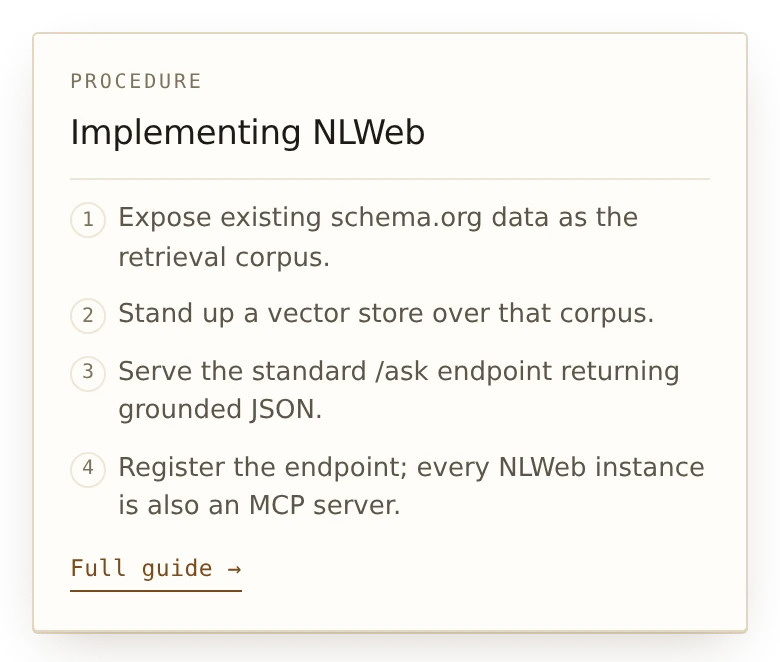
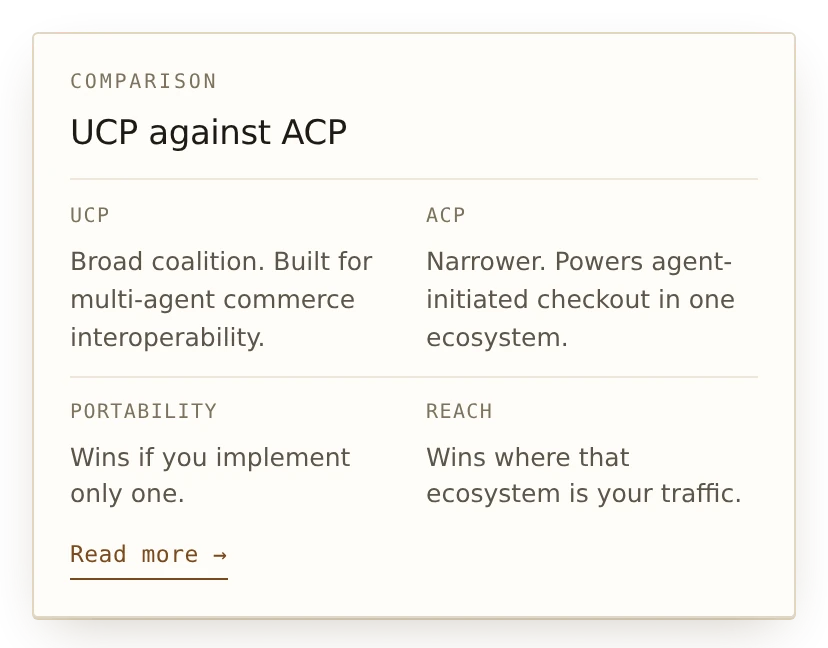
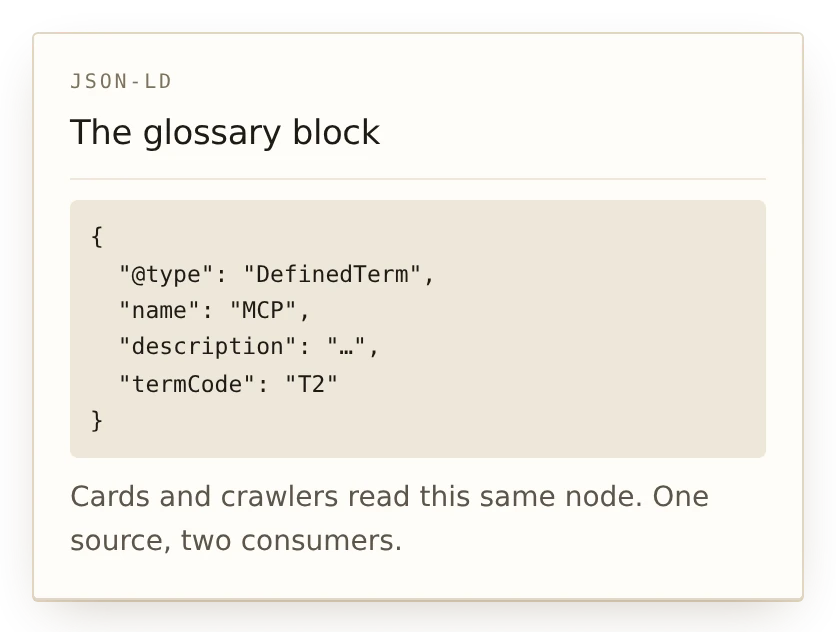
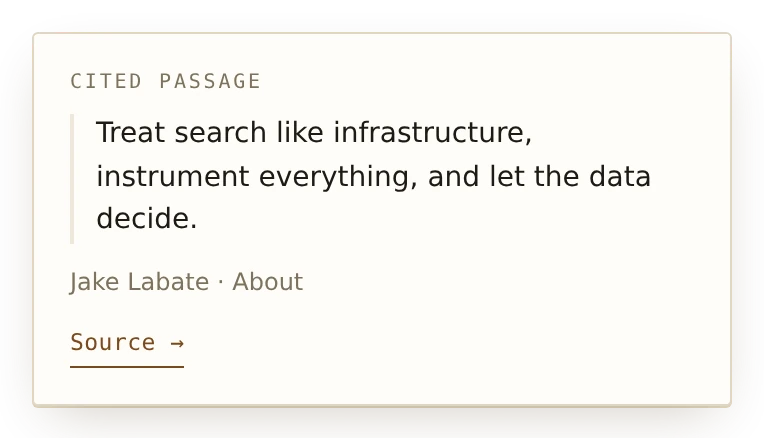
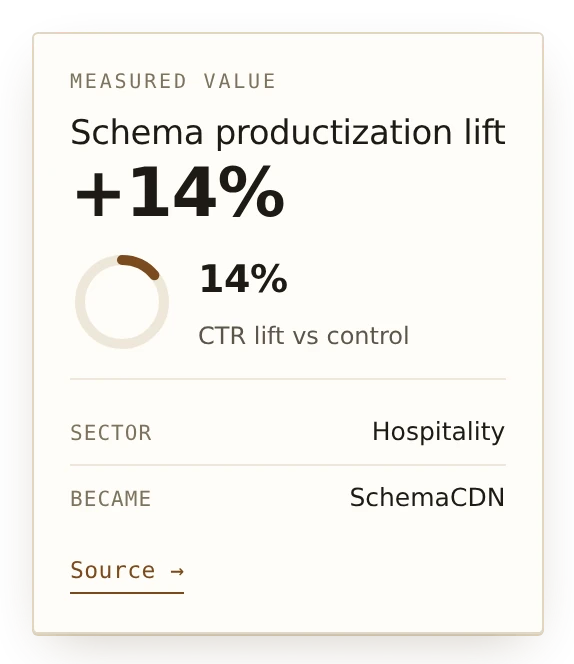
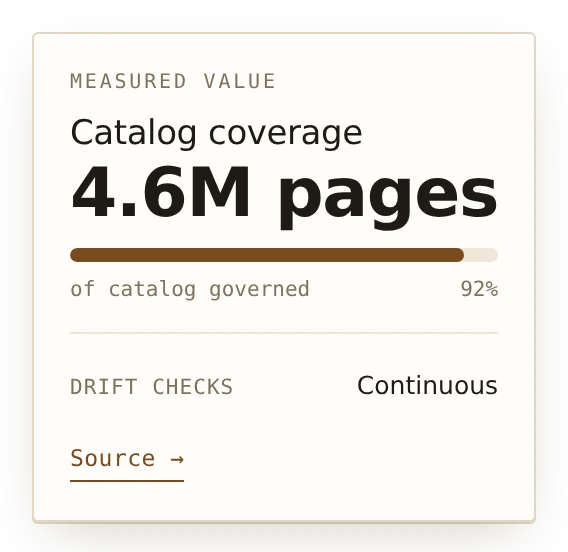
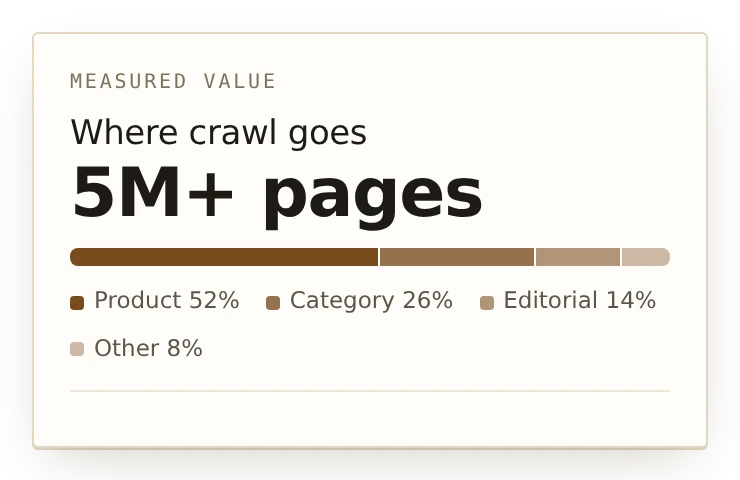
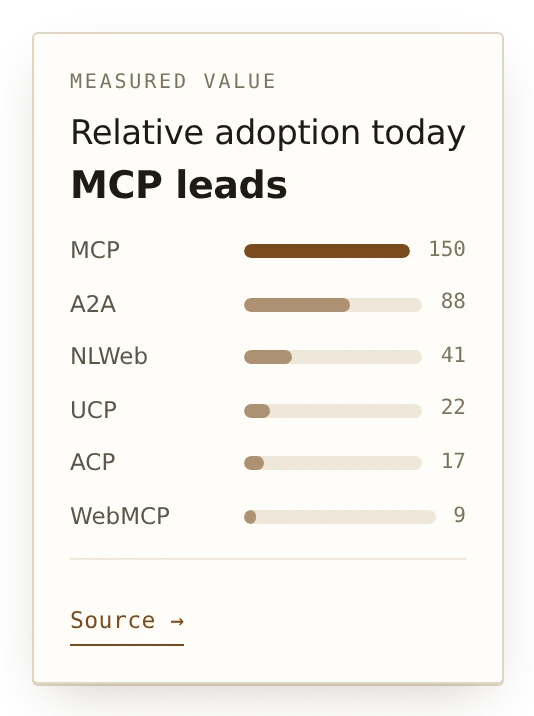
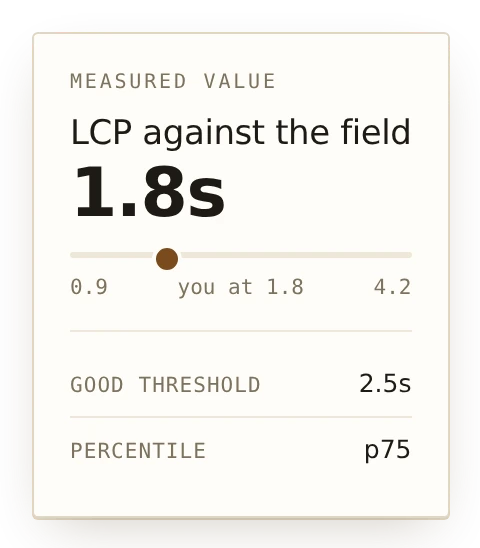
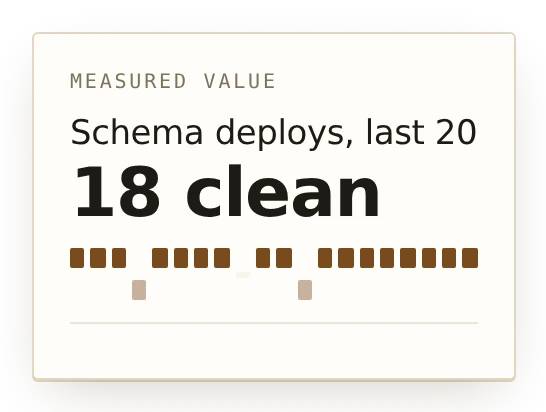
Every card shares one shell, one tail, one entrance and one dismiss behavior. Only the body changes, set by ctx.kind on the term. Cards below are captured from the rendered component, not redrawn.
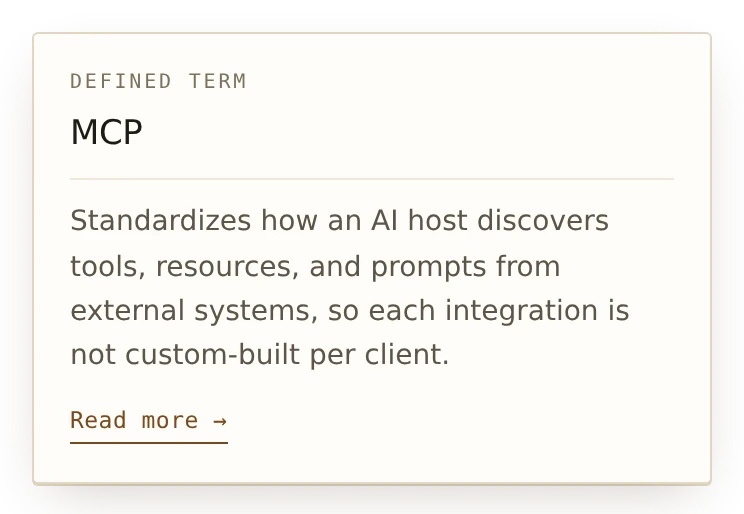
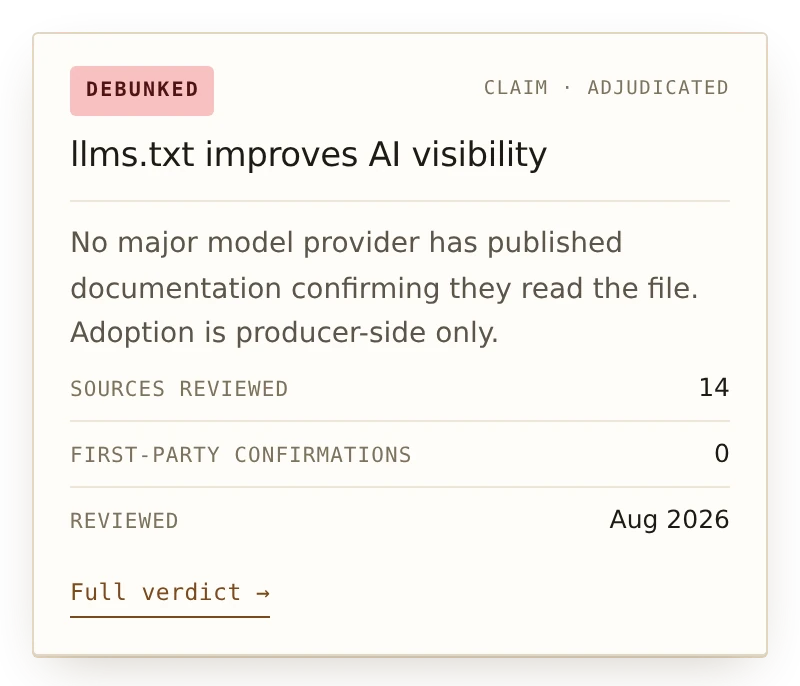
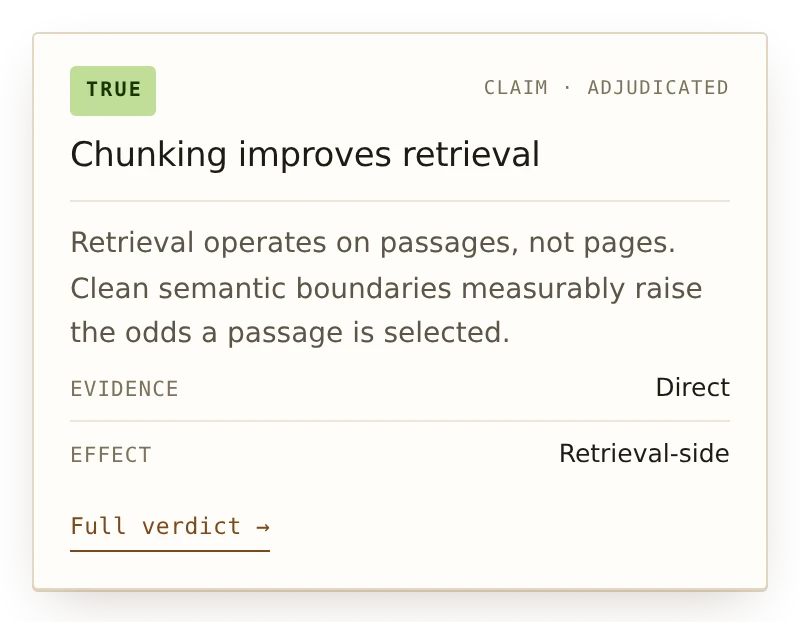
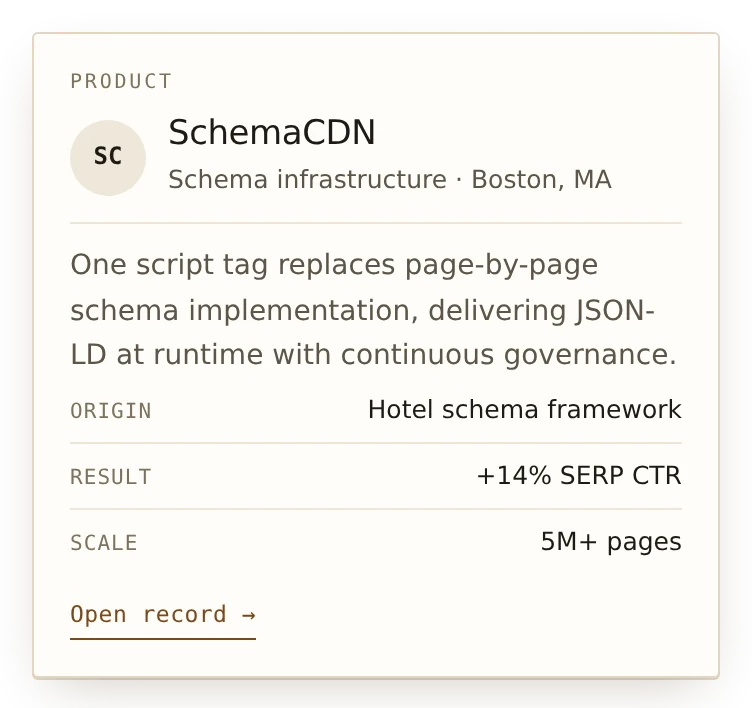
Charts
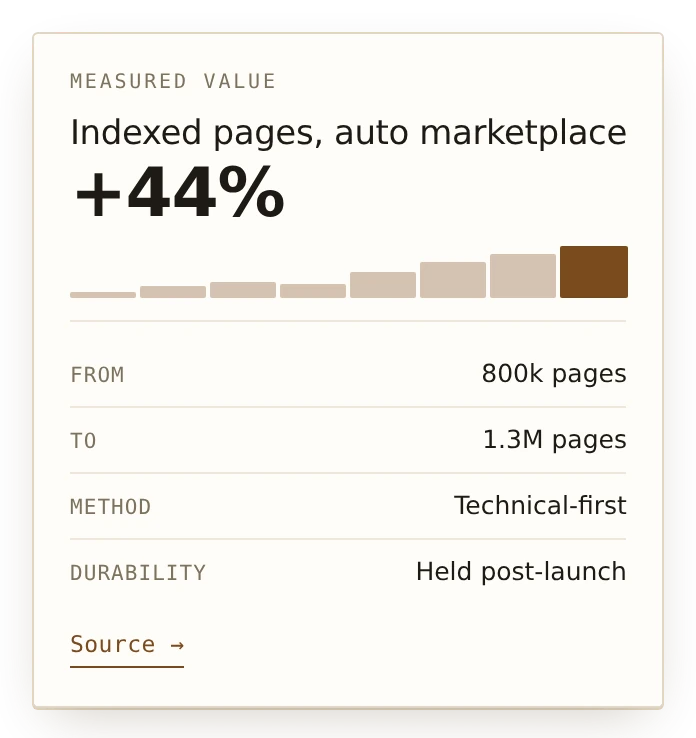
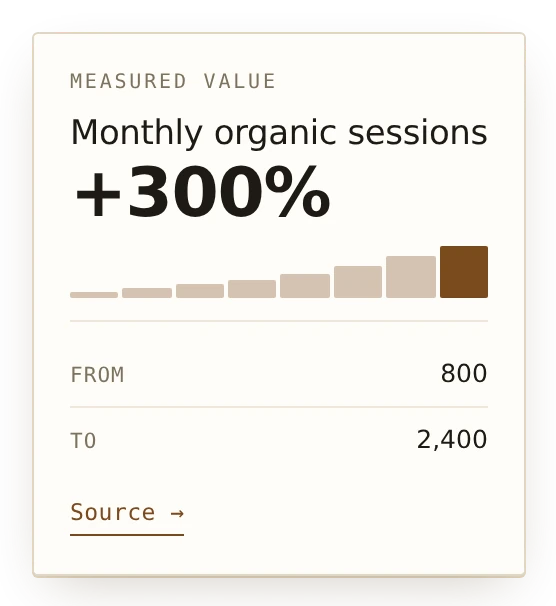
Any kind can carry ctx.chart. These are sparklines rather than charts: no axes, no tooltips, nothing to interrogate. A card that disappears on mouse-out is the wrong container for a number that needs studying, so when one does, the card's job is to link out to it.
Open Graph
Makes the preview image people see when your page is shared on LinkedIn, X, Slack or iMessage. You send it a headline, it sends back the image and the code that points to it.
When someone shares your page, the platform shows a card: an image, a headline, a line of description. If the image is missing or wrong, you get a gray box, and a gray box gets clicked far less than a card. Making those images by hand does not scale, so most sites either use one generic image everywhere or skip it.
This makes the image automatically from your headline. It also hands you the meta tags to go with it. Because both come from the same place, they cannot disagree.
Both cards below are loading live from the service right now. Neither is a screenshot.


Install. One meta tag in the <head> of each page, with your headline in the address.
<meta property="og:image"
      content="https://cdn.jakelabate.com/open-graph/v1/og.png?title=Hello&theme=indigo" />
Build Your Address
Fill in a headline and copy the address, with a live preview
Three steps, in order.
-
Build Your URL
Fill in the fields and the address writes itself. To edit it by hand instead, change the text after
title=andsubtitle=to your own. Spaces become%20, or just let your CMS handle it.
The preview could not be drawn just now, so the card above is from your last change. Your address is still correct. -
Paste That Address Into Your Page
It goes in the
<head>section, which is the block at the top of a page's code. Most CMSs have a field for this: WordPress SEO plugins call it a social image, Webflow calls it Open Graph settings. -
Check It
Paste your page's address into Facebook's sharing debugger or LinkedIn's post inspector and press the rescan button. Both cache aggressively, so if you change something you must rescan or you will keep seeing the old version.
That is the whole setup. If you want the rest of the tags written for you as well, open The Tags It Writes For You.
How It Works
From the address you build to the preview a reader sees
You send it a headline, it sends back the image and the code that points to it. The loop below plays one card from the address you build to the preview a reader sees, then starts again.
- Build the addressYour headline, a subtitle and your site name, in the query string of one image address.
- NormalizeEvery value is clamped and stripped, and the parameters are sorted, so two ways of asking share one image.
- RenderOn a miss the card is drawn once, on a type scale whose smallest step still reads at preview size.
- Store and tagThe image is kept at the edge, and the meta tags it hands back state the exact size it rendered.
- ShareThe platform fetches the image only when someone shares, and shows a card instead of a gray box.
The Tags It Writes For You
The full meta tag block, from the same address
Just the image. Point a tag straight at the renderer:
<meta property="og:image"
      content="https://cdn.jakelabate.com/open-graph/v1/og.png?title=Hello&theme=indigo" />
The image and every tag with it. Safer, because the address it writes is complete rather than shortened, and the width and height it states always match the picture it actually made:
The social cards on this page are generated by this endpoint.
Change og.png to tags.html in the address and you get the full block of meta tags instead of the picture. Paste the result into your page's <head> and you are done.
<meta property="og:type" content="website" />
<meta property="og:title" content="Structured data is the substrate" />
<meta property="og:description" content="Why the same markup serves both engines" />
<meta property="og:url" content="https://jakelabate.com/" />
<meta property="og:site_name" content="jakelabate.com" />
<meta property="og:locale" content="en_US" />
<meta property="og:image" content="https://cdn.jakelabate.com/open-graph/v1/og.png?author=Jake+Labate&site=jakelabate.com&subtitle=Why+the+same+markup+serves+both+engines&title=Structured+data+is+the+substrate" />
<meta property="og:image:secure_url" content="https://cdn.jakelabate.com/open-graph/v1/og.png?author=Jake+Labate&site=jakelabate.com&subtitle=Why+the+same+markup+serves+both+engines&title=Structured+data+is+the+substrate" />
<meta property="og:image:type" content="image/png" />
<meta property="og:image:width" content="1200" />
<meta property="og:image:height" content="630" />
<meta property="og:image:alt" content="Structured data is the substrate" />
<meta name="twitter:card" content="summary_large_image" />
<meta name="twitter:title" content="Structured data is the substrate" />
<meta name="twitter:description" content="Why the same markup serves both engines" />
<meta name="twitter:image" content="https://cdn.jakelabate.com/open-graph/v1/og.png?author=Jake+Labate&site=jakelabate.com&subtitle=Why+the+same+markup+serves+both+engines&title=Structured+data+is+the+substrate" />
<meta name="twitter:image:alt" content="Structured data is the substrate" />Three details worth noticing. The image URL is absolute, because a relative og:image is the single most common reason a preview comes back blank. Its parameters come back sorted alphabetically rather than in the order you sent them, so two people who describe the same card differently still get the same stored image instead of drawing two. And the declared width and height always match what was rendered, including at scale=2.
Endpoints And Parameters
Every route and every value it accepts
| Route | Returns |
|---|---|
/open-graph/v1/og.png | The rendered card. This is what og:image points at. |
/open-graph/v1/og.svg | The same card as vector, for checking layout. Not for og:image: no major crawler accepts SVG there. |
/open-graph/v1/tags | JSON containing the tag map, a ready to paste HTML block, and the absolute image URL. |
/open-graph/v1/tags.html | The meta tag block on its own, as plain text. |
/open-graph/v1/meta | Tags plus the resolved card specification, for build pipelines that want to log what was rendered. |
/open-graph/v1/embed.js | A client script configured entirely by data- attributes on its own tag. |
/open-graph/v1/themes | Available templates, themes, patterns, sizes and color tokens. |
/open-graph/health | Liveness, and the resolved public base. |
Parameters
| Parameter | Notes |
|---|---|
title | Headline. Falls back to site when absent. |
subtitle | Also accepted as description. Feeds og:description. |
site, author | Footer line. site also feeds og:site_name. |
date, meta | Byline detail for the article template, attribution for the quote template. |
stat | Repeatable, Value|Label. Three are rendered. |
logo, logoWidth | An https URL to a PNG, JPEG, GIF or SVG. Dimensions are read from the file header so the aspect ratio is exact rather than guessed. |
template | editorial, article, split, banner, quote, stat, minimal, code. |
theme | indigo, ink, violet, sunset, forest, mono, cream, paper, slate. |
pattern | grid, dots, diagonal, glow, off. |
bg, bgAlt, fg, muted, accent, rule | Hex overrides applied on top of the chosen theme. |
size, w, h, scale | Named sizes, explicit dimensions, or a 2x render. |
url, type, locale, card, twitter, alt | Markup only. These never fragment the image cache. |
Every value is clamped and stripped. Unknown themes and templates fall back rather than erroring, invalid hex is ignored, control characters are collapsed, and attribute values are escaped on the way into HTML.
What The Cards Look Like
Six cards, with the exact text that makes each one
Eight layouts and nine color schemes. Under each one is the exact text you would add to the address to get it, so you can copy any of these and swap in your own words.
Every image below is loading live from the service right now. None of them are screenshots.


Long headlines clamp rather than shrink, so a card is never illegible. The stat example above carries no stat parameters, which is why it renders the headline and footer alone: an absent input produces a simpler card rather than an error.
Why The Text Is So Large
The type scale, and the tests that enforce it
Design detail. Useful context, but you do not need it to use the service.
Share cards are built at 1200 by 630 pixels, but nobody sees them that big. In a text message a preview is about a quarter of that size. Text that looked fine while you were designing it arrives at roughly 8 point, which is smaller than the fine print on a receipt.
Everything measurable therefore derives from that constraint rather than from what looks balanced at full resolution.
- Type is a modular scale of seven steps,
44 55 69 86 107 134 168, a 1.25 ratio applied to a base of 44. The base is the legibility floor, not a chosen body size: 44 pixels reads as 11.7 point where the card is actually seen. The smallest step on the scale is therefore the smallest readable size by construction. - Long headlines step down the scale rather than being multiplied by a factor, so every rendered size is still a step. A headline paired with a deck drops one further step, because two competing display sizes read as an argument.
- Text clamps rather than shrinks. A truncated headline someone can read beats a complete one they cannot.
- Space is an 8 point grid addressed by relationship rather than by number. A gap between two elements must exceed the leading inside them, or they read as one block.
- There are no label elements. No eyebrow, no chip. Both competed for vertical space with the only thing legible at that size.
These are enforced rather than intended. The test suite refuses to publish a change if:
- Any text would render below 11 point at preview size.
- A size is not one of the seven allowed steps.
- Anything overflows the edge of the card.
That last check exists because the first version passed the size floor and still clipped three cards at the bottom edge. It works by rendering each template a second time with the canvas height unset and comparing the natural content height against the card it has to fit inside.
Writing it also caught a bug that had been invisible: the layout library silently ignores the instruction to cut text off after a set number of lines when the container is arranged a certain way. No clamping had been happening at all.
Speed, And What It Costs You
Drawn once, then served from a stored copy
Nothing, and it does not slow your site. The first time a particular card is requested it is drawn, which takes a fraction of a second. After that it is stored and served instantly, so a page shared a thousand times only ever draws the card once. Crucially, share previews are only fetched when somebody actually shares a link, not on every page view, so this never touches your page speed scores.
The technical detail, if you want it. What gets stored is keyed on the things that change the picture and nothing else, sorted into a fixed order:
- Two pages asking for the same card in a different order share one copy.
- A parameter that only affects the tags never causes the image to be drawn again.
- The response header
x-og-cachetells you whether you got a stored copy or a fresh one.
Logo fetching is the one place the service reaches a URL someone else supplied, so it is the one place with real guards: https only, a 512 KB cap, a 3 second timeout, an image content type allowlist, private and link-local hosts blocked, and an optional host allowlist. A logo that fails any check is dropped and the card still renders. x-og-logo reports loaded, failed or none.
If you self-host this, you can optionally lock it so that only addresses you generated will produce an image. Without that, anyone who finds your endpoint can make it draw cards. It matters for a business; it rarely matters for a personal site.
Page Share
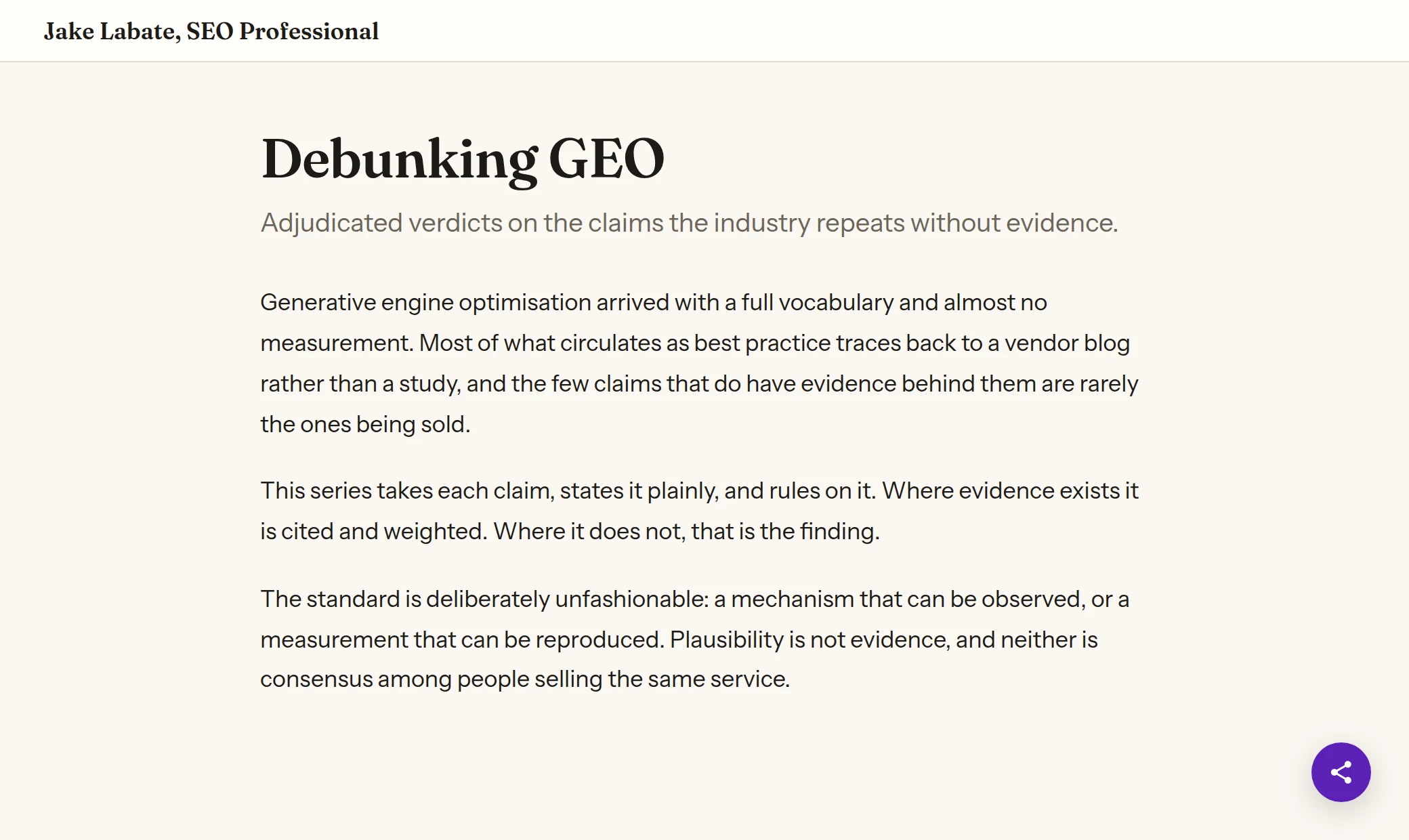
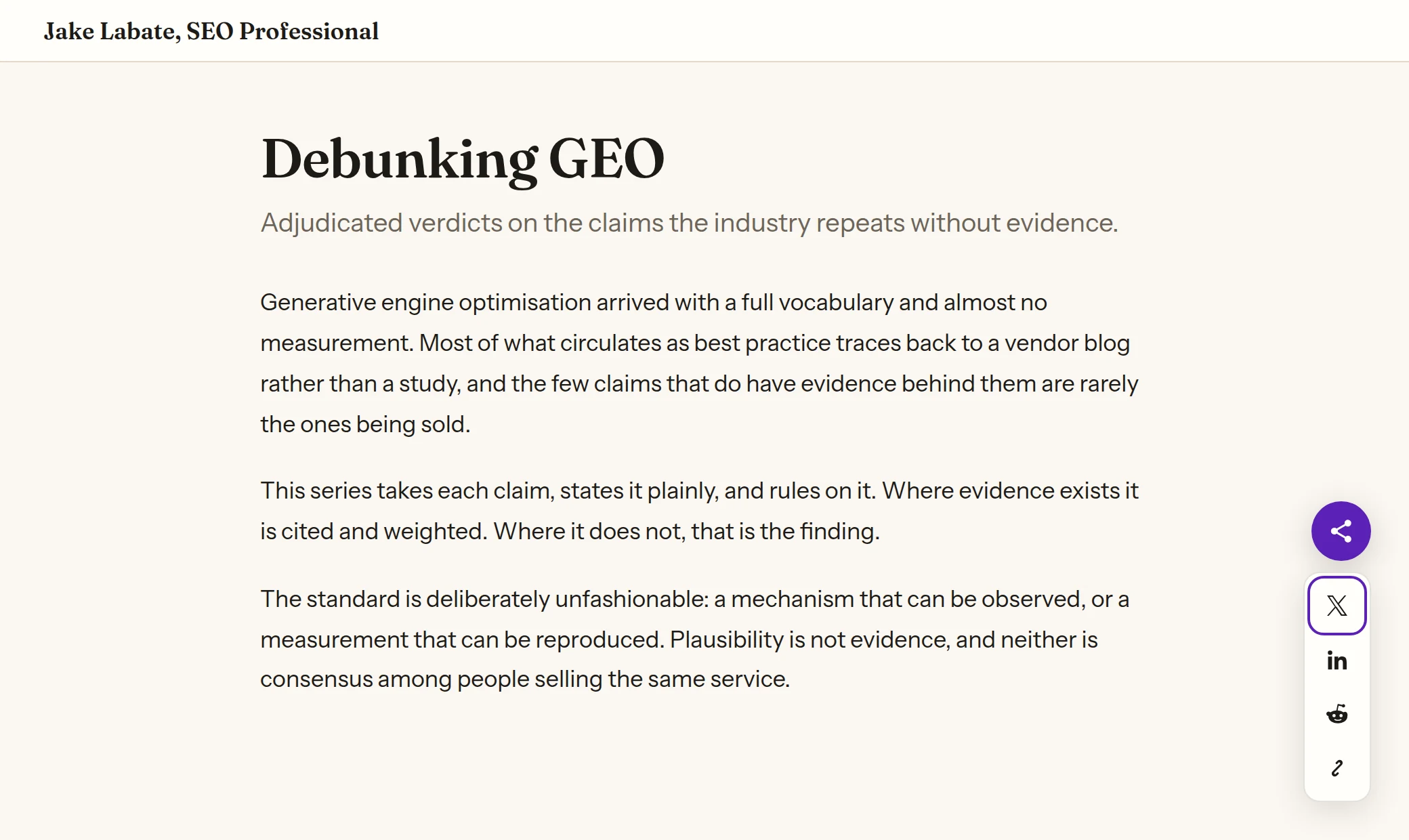
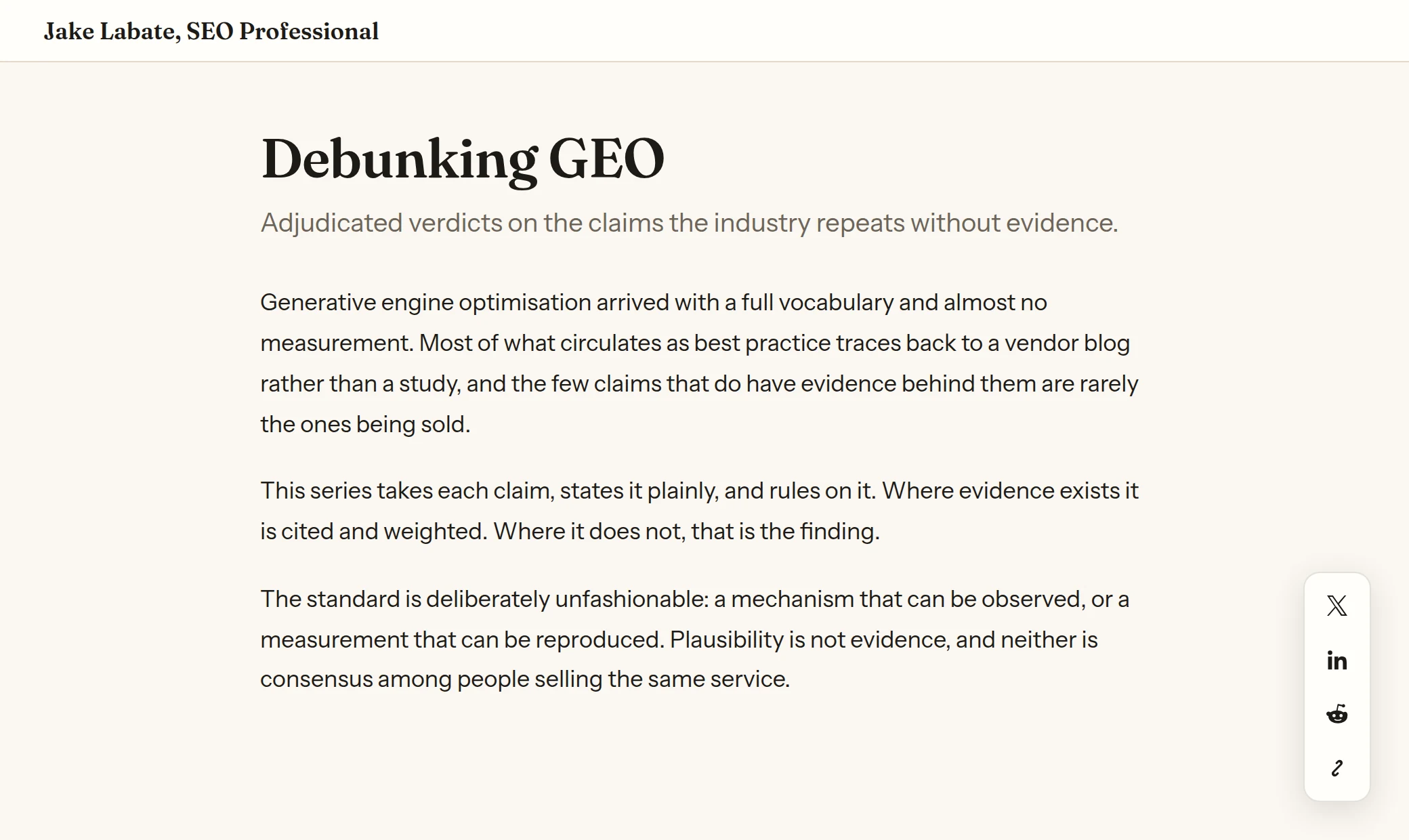
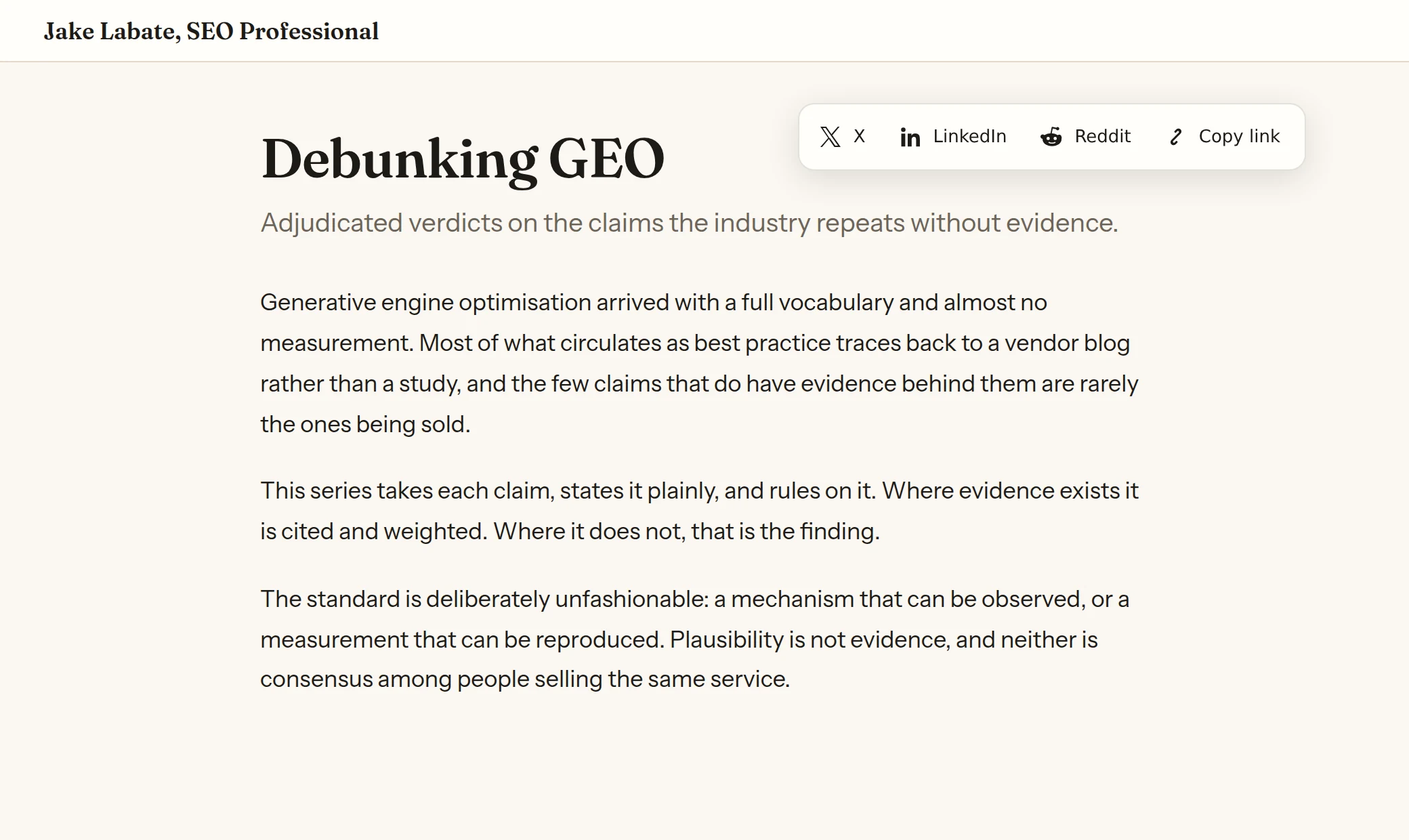
Share buttons that stick to a corner of your page. Unlike the usual ones, they set no cookies and send no data anywhere. You choose the corner, whether they sit open or behind a button, and which platforms appear.
Share buttons used to come from services like AddThis and ShareThis. They were free because they were not really share buttons. Each one loaded code from another company onto your page, set cookies on your visitors, and reported back what those visitors were reading.
None of that is necessary. A share button is just a link. This builds each link from tags already in your page and does nothing else. No cookies, no tracking, no data sent anywhere, and after the first visit no network request at all.
Install. One script tag, pasted just before the closing </body> tag.
<script
  src="https://cdn.jakelabate.com/page-share/v1/share.js"
  data-position="bottom-right"
  data-mode="expandable"
defer></script>What It Looks Like
Six placements, captured from a page carrying the widget
Captured from a page carrying the widget. The colors come from the host page through custom properties, which is why these match this site rather than shipping a look of their own.
How It Works
The three services do different jobs, and all three take the same path from the line you add to the page a reader sees. Each one has its own animated loop under How It Works in its section above.
- Add one lineA script tag for Context Cards and Page Share, a meta tag for Open Graph. Each address names its service and a version.
- Check the requestA Worker for that service answers. Context Cards accepts only a version tag and a path inside three folders, and Open Graph clamps and strips every value.
- Store it onceA numbered release or a drawn card is kept at the edge after the first request, and the browser keeps a versioned script after the first visit.
- Work from the pageThe scripts read what your page already holds: the glossary for Context Cards, the canonical tag and headline for Page Share.
- Send nothing backNo page text or visitor data is sent back, and a share image is only fetched when someone shares the link.
Who Owns Each Step
- Code should be responsible for the defined.
- AI should be responsible for the undefined.
- Humans should be responsible for the outcome.
In this product, code runs 4 of 6 steps. No step needs AI, because nothing in it is left undefined. You pick the service and add its line.
Swipe sideways to follow the steps in order.
-
01
Pick A Service
You: Definitions on hover, a share image, or share buttons. Each one installs on its own, so take one or all three.
-
02
Add One Line
You: A script tag for Context Cards and Page Share, a meta tag for Open Graph.
-
03
Check The Request
Code: A Worker for that service answers. Context Cards accepts only a version tag, and Open Graph clamps and strips every value.
-
04
Store It Once
Code: A numbered release or a drawn card is kept at the edge after the first request, and served from that copy after.
-
05
Work From The Page
Code: The scripts read the glossary, the canonical tag and the headline your page already holds.
-
06
Send Nothing Back
Code: No page text or visitor data is sent back.
Who It Is For
Written for someone who can paste a line into a page and would rather not wait on a release to do it.
- SEOs and content teams who want definitions, share images or share buttons on a page without adding a tracker to get them.
- Site owners on a CMS. Most have a social image field and a footer scripts field, and those two fields are the whole install.
- Developers who would rather run it themselves. Every service is MIT licensed and self-hostable.
How It Is Built
- One host, one Worker per service. Each service runs as its own edge Worker under
cdn.jakelabate.com, with its own repository and its own releases. - Tagged releases, pinned by fingerprint. Context Cards is served from numbered tags of its repository, and the
integrityline in its tag makes the browser refuse a file that does not match. - A card renderer with a legibility floor. Open Graph draws on a seven step type scale, and its test suite refuses to publish a change that would render any text below 11 point at preview size.
- A sealed container. Page Share's buttons live where your site's styling rules do not reach inside and nothing inside reaches out.
Source
MIT licensed and self-hostable. One repository per service, each holding the service and the Worker that serves it.
Status And Access
Yes. Add one line per service.
- Status
- Live
- Who can use it
- Anyone
- Sign-in
- None
- Cost
- Free
- Your data
- Nothing stored
- Source code
- Open source, MIT
- Install
- A script tag for Context Cards and Page Share, a meta tag for Open Graph. Each service installs on its own.
- Works today
- All three services, on versioned addresses at
cdn.jakelabate.com. - Data handling
- Nothing about your pages or your readers is kept, and no page text is sent anywhere. Numbered releases and drawn cards are kept at the edge, so nothing is fetched or drawn twice.