
Context Cards
Shows a small definition card when a reader hovers a technical term in your writing. The definitions come from structured data already on your page, so nothing extra has to be written. This page covers how the script is delivered and how to add it.
The Problem This Solves
Technical writing has a reader problem. Use a term like canonical or crawl budget and you lose anyone who does not know it. Stop and define it and you bore everyone who does.
ctx-cards solves that by putting the definition one hover away. Readers who need it get it; readers who do not are never interrupted.
Where the definitions come from. Many sites already publish a glossary as structured data, using a schema.org type called DefinedTermSet. That is a block of information in your page written for machines rather than people, normally so search engines can understand your content.
Who it was written for
Search enginesThe reason the glossary block is already in your page.
Who else reads it here
Your readersThe same block, read a second time by the script.
One source, two audiences, nothing extra to write.
None of your page text is sent anywhere. The script reads what is already in the browser and does the matching there.
How It Works, In One Loop
One pinned script tag. One Worker in front of a tagged repository. The loop below plays the first visit to a page, then the reader hovering a term, then starts again.
<script
  src="https://cdn.jakelabate.com/context-cards/v0.10.0/dist/ctx.min.js"
  integrity="sha384-…"
  crossorigin="anonymous"
defer></script>- Pinned requestThe tag names a version. The Worker checks the ref is a tag and the path is inside dist/, packs/ or sites/.
- Fetch onceA miss fetches that tag from GitHub and stores it at the edge for a year. Every request after is a hit.
- VerifyThe browser compares the integrity fingerprint to the bytes that arrived, and refuses to run a mismatch.
- Read the pageThe script reads the DefinedTermSet already in the document and scans the prose, all in the browser.
- Show the cardHover or tap a term and its definition appears. No page text leaves the page.
What This Page Covers
ctx-cards is the script. This page is about how it gets to your website, which matters more than it sounds.
When you add someone else's script to your site, you are trusting whatever that address serves, today and every day after. If it changes without warning, your pages change too. The delivery here is built so that cannot happen: every address contains a version number, and the contents of a version never change.
The Addresses
Three kinds of file, all pinned to a version number such as v0.10.0.
https://cdn.jakelabate.com/context-cards/<tag>/dist/ctx.min.js
https://cdn.jakelabate.com/context-cards/<tag>/packs/<pack>.json
https://cdn.jakelabate.com/context-cards/<tag>/sites/<site>.json
The script derives its pack URLs from its own src by swapping /dist/<file> for /packs, so a pinned script tag pins its packs to the same release automatically. Nothing extra to configure, and no way for a script and its data to end up on different versions.
Set It Up
One line, pasted just before the closing </body> tag in your page. Most CMSs have a footer scripts field for exactly this.
<script src="https://cdn.jakelabate.com/context-cards/v0.10.0/dist/ctx.min.js"
        integrity="sha384-Ka780lxfLgvBnuNJcx9SdciwmPhhbd7GlxaRwwXwprXD2CgWQSXRZ8qVQeDojvR2"
        crossorigin="anonymous"
        data-packs="seo-core"
        data-style="paper"
defer></script></body>The integrity line is a safety catch worth understanding. It is a fingerprint of the exact file you expect. If what arrives does not match it, the browser refuses to run it rather than running something you did not approve. Since the contents of a version never change, the fingerprint never changes either. Copy the current value from dist/ctx.min.js.sri in the repository.
What Is Deliberately Restricted
Technical detail. Included because an open file host is a liability, and it is fair to show how this one is closed.
Two limits matter more than the delivery itself.
- Only
dist/,packs/andsites/are reachable. Without a directory allowlist this would serve any file in the repository from my domain under a permissive CORS header. - A ref must be a
vN.N.Ntag ormain. Without it, any commit in history would be addressable, which is an open proxy with extra steps.
Addresses containing unusual characters are rejected outright, which stops anyone walking out of the allowed folders. A numbered version is stored for a year, because its contents can never change. The unnumbered main address is allowed for testing only and is deliberately not stored, because what it points at does change.
Upgrading
New versions do not arrive on their own. Your page stays on whatever version number is in your script tag until you change it, so nothing on your site can shift because I released something.
To upgrade, change the version number in the address and update the integrity fingerprint to match. Old versions keep working indefinitely, so there is no deadline and no forced migration.
Card Kinds
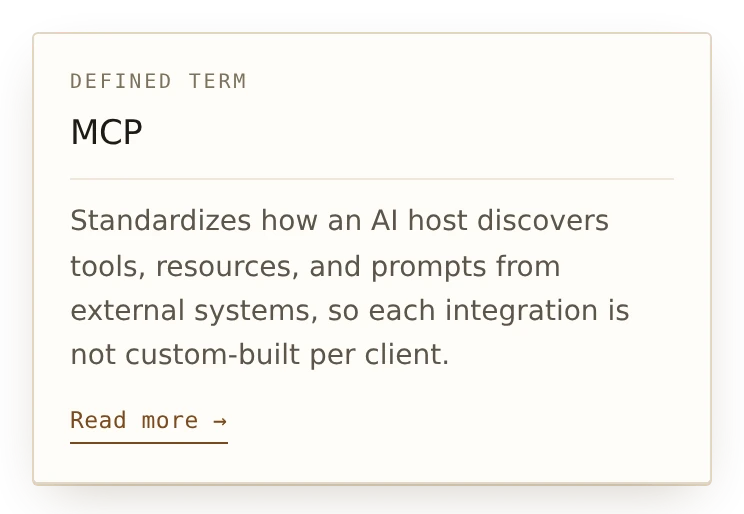
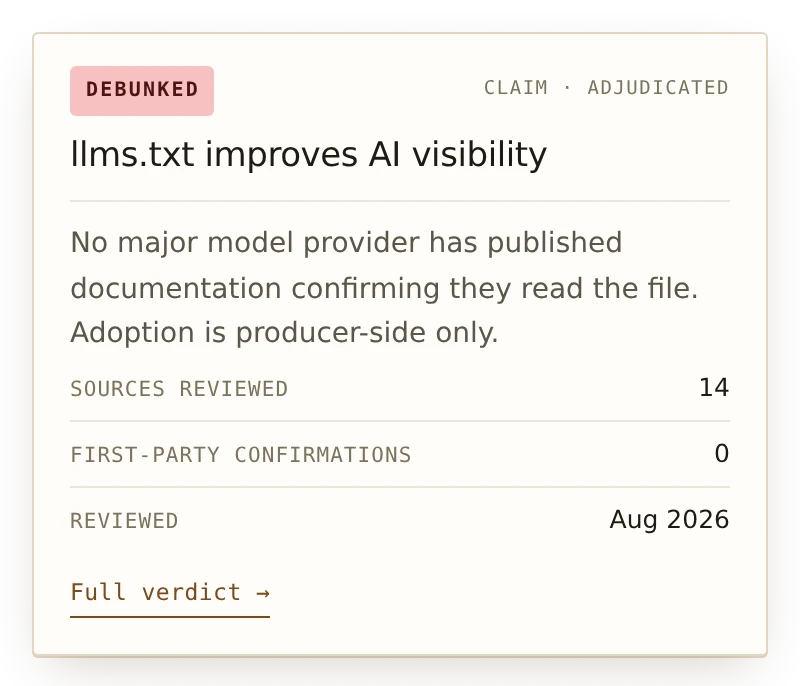
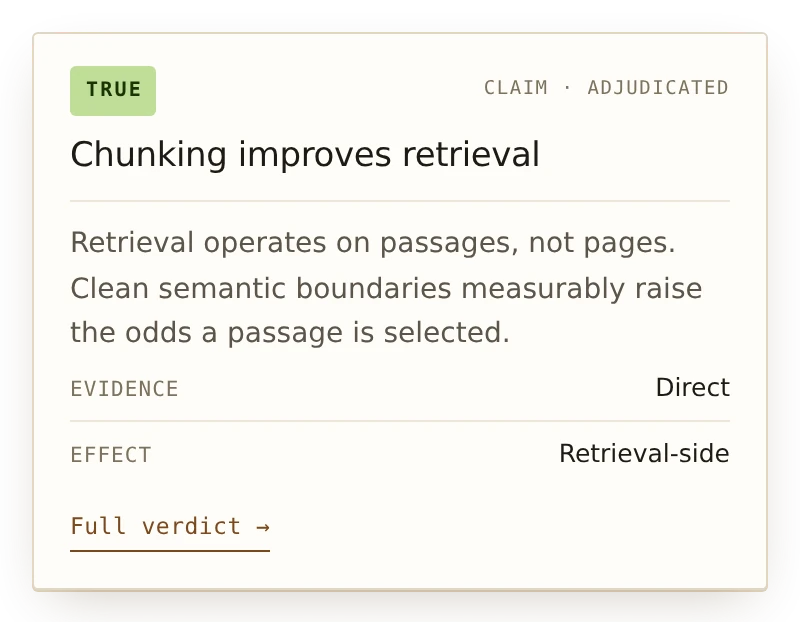
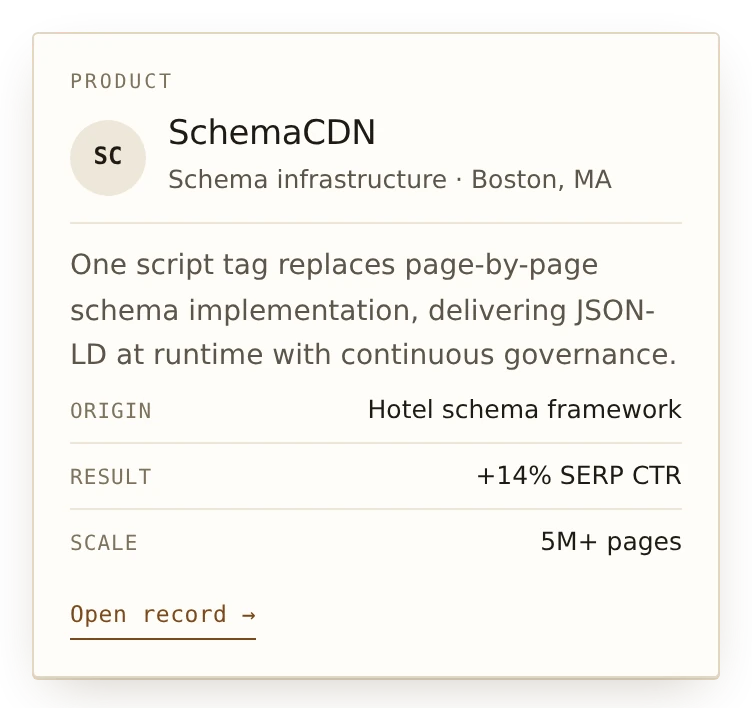
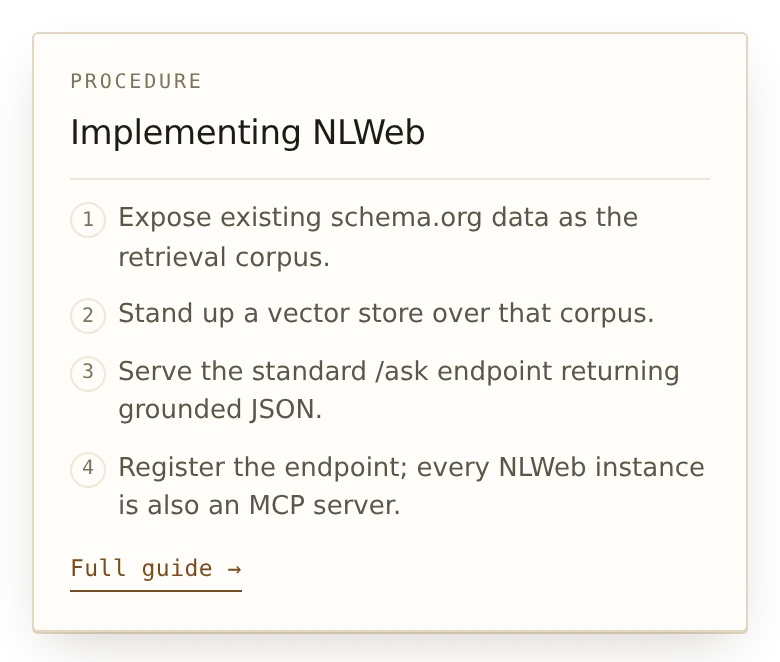
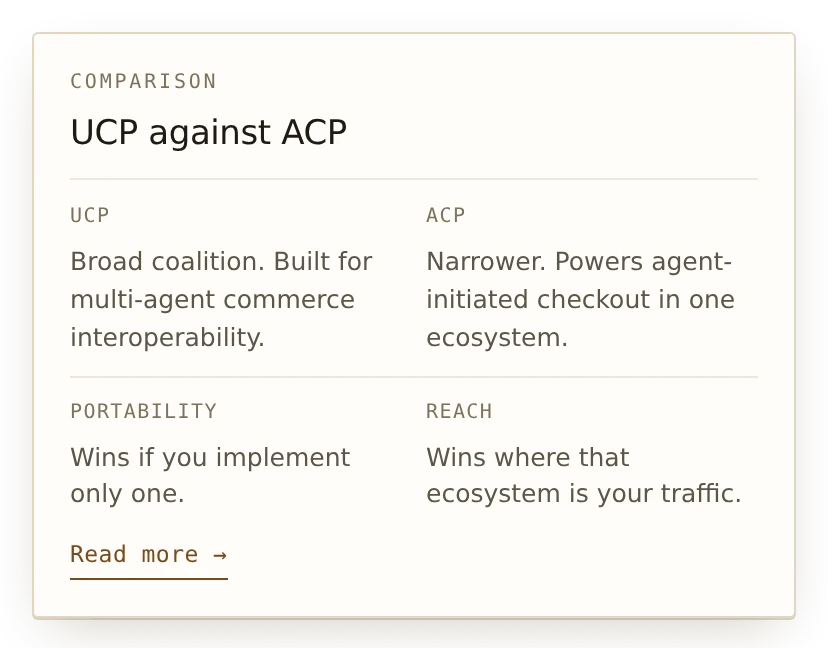
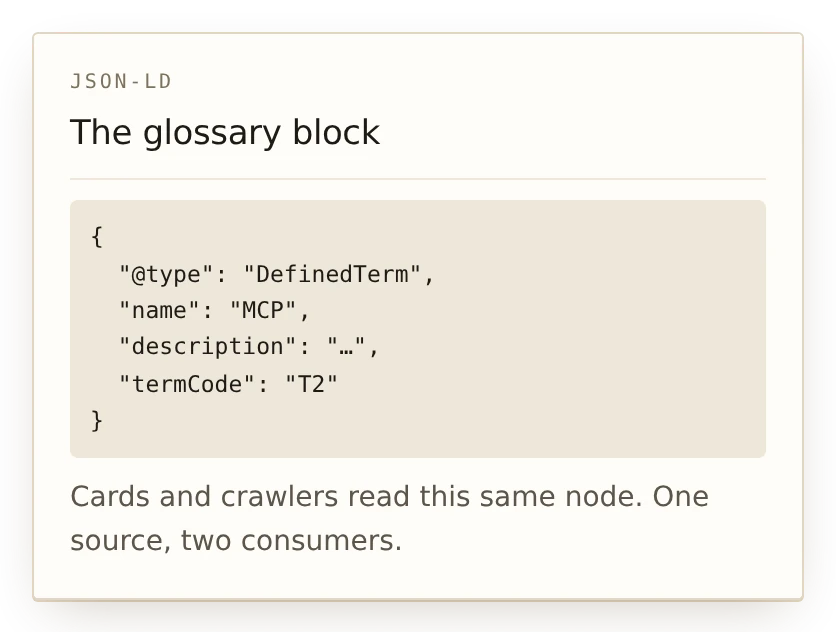
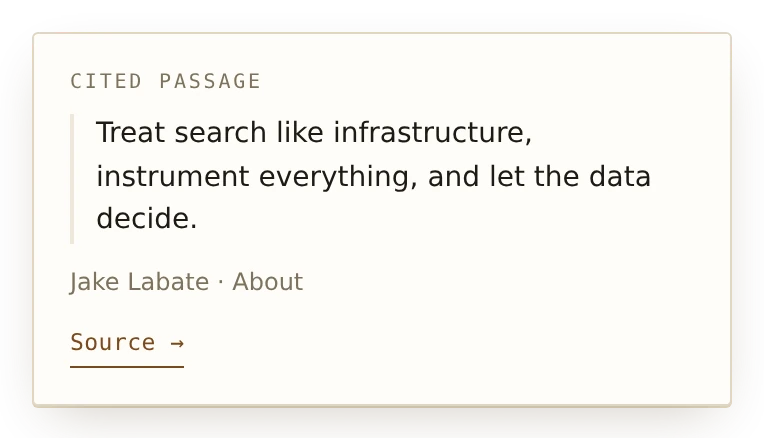
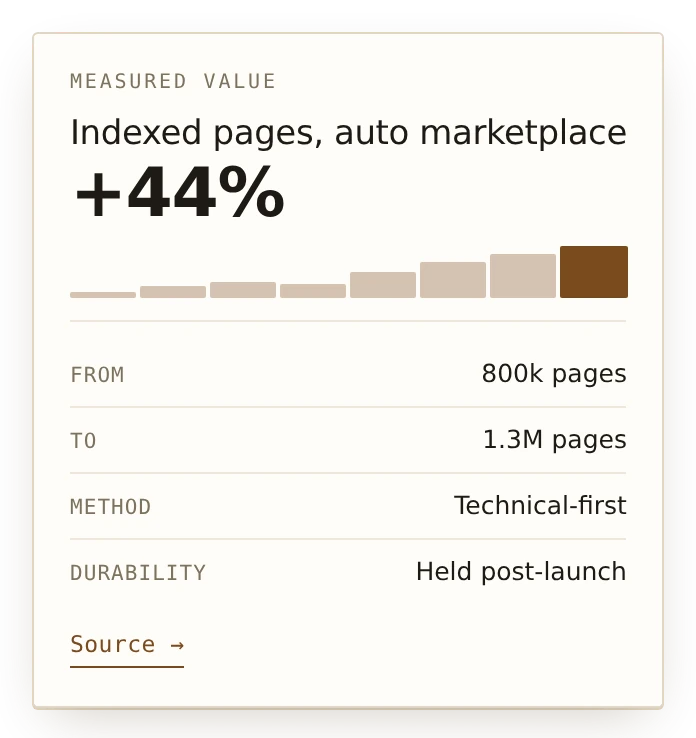
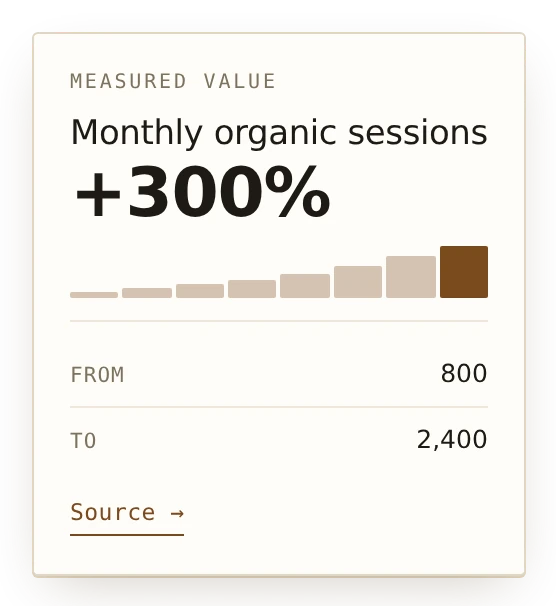
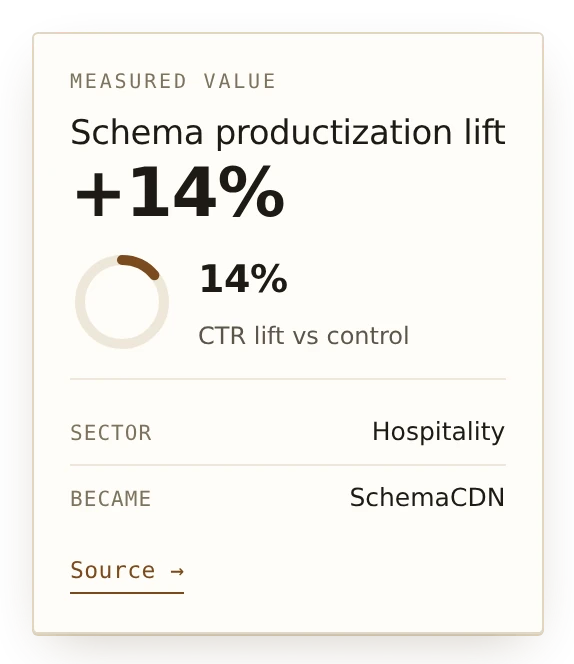
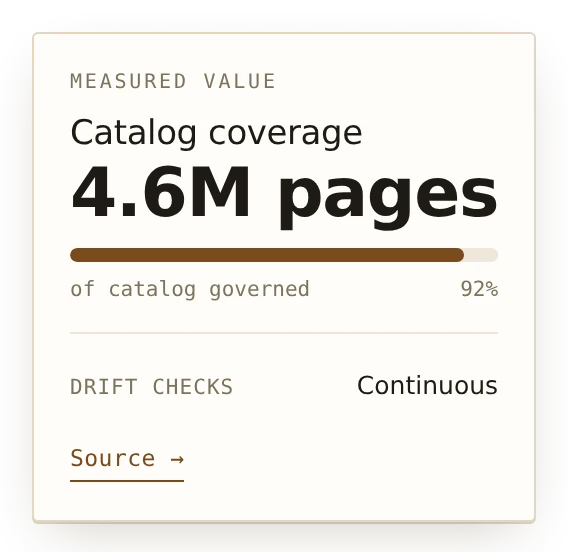
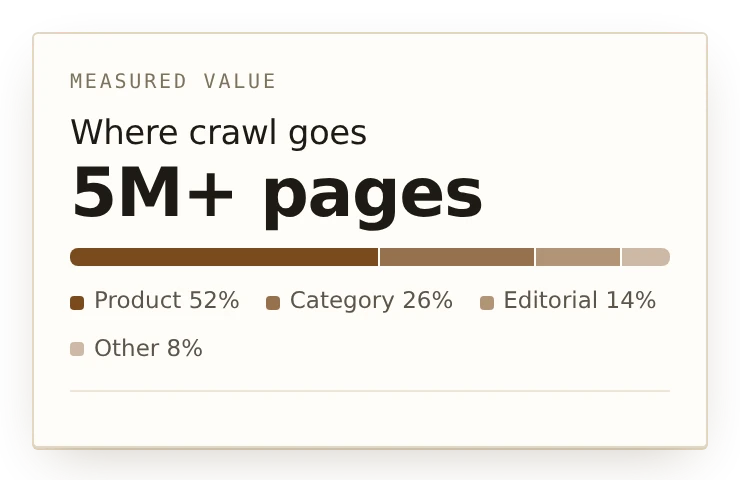
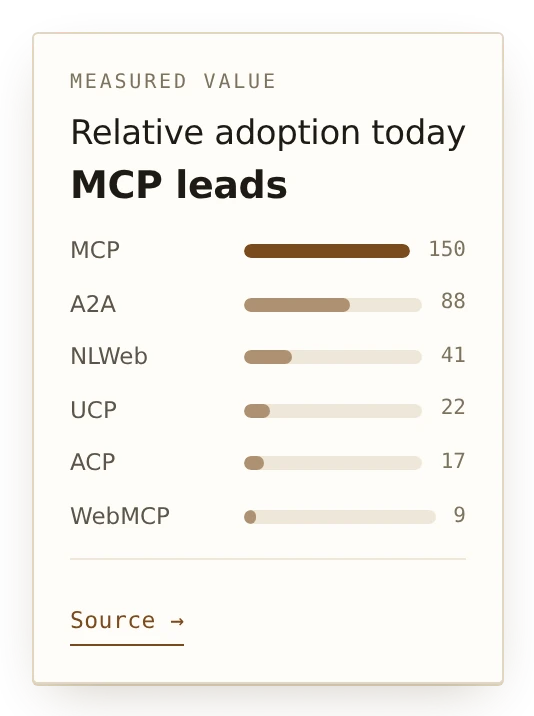
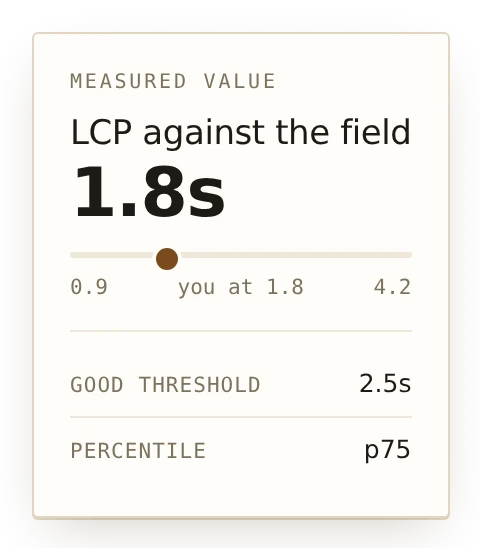
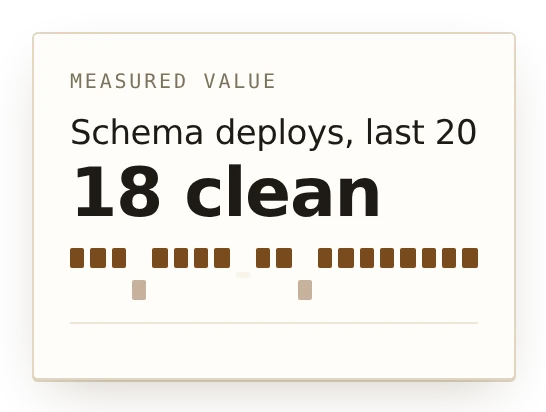
Every card shares one shell, one tail, one entrance and one dismiss behaviour. Only the body changes, set by ctx.kind on the term. Cards below are captured from the rendered component, not redrawn.
Charts
Any kind can carry ctx.chart. These are sparklines rather than charts: no axes, no tooltips, nothing to interrogate. A card that disappears on mouse-out is the wrong container for a number that needs studying, so when one does, the card's job is to link out to it.
Live On This Page
This page runs the script it describes, so you can try it here. The five terms below are deliberately technical ones, marked wherever they appear in the text above. Hover one on a computer, or tap it on a phone, and its definition appears.
- DefinedTermSet, the schema.org type the script reads.
- subresource integrity, the hash that pins the bytes.
- immutable, the caching guarantee a tagged path makes.
- edge cache, where a tagged response lives after the first request.
- CORS, the header that decides who may read the response.
Nothing is sent anywhere to make that work. The script reads the markup already in the document, scans the prose in the browser, and no page text leaves the page. The only network requests it makes are for the script itself and any term packs, both from this CDN.
Source
MIT licensed and self-hostable. The script and the delivery Worker live in the same repository, which is what keeps a release and the thing serving it from drifting apart.